Less remembering. A clearer potty history.
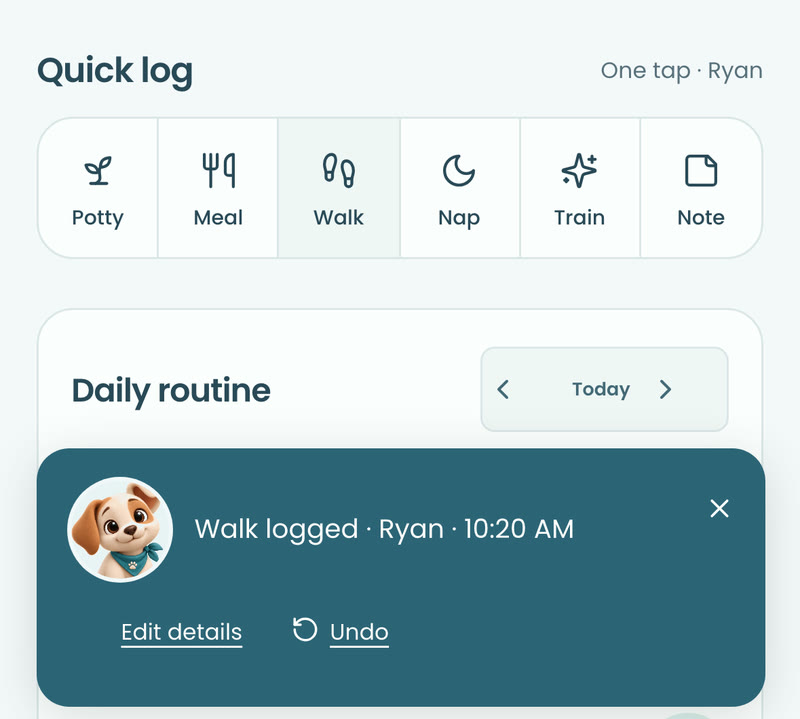
- On Today, tap Potty after the outing.
- Use Edit details for the result or an accident; the app already has the time and caregiver.
- Open Moments to review the sequence and share it with everyone helping.
7-day free trial for eligible new subscribers. Subscription required.
“We just went out” can leave out the important part
Did the puppy actually go? Did the outing follow a nap or meal? Who was watching before the accident? Those questions are hard to answer from memory after a busy morning.
Owners describe uncertainty in discussions about housetraining and supervision and accidents despite frequent outings. In The Pet Parent, potty care sits beside the rest of the day, making the sequence easier to review with the people helping.
Start with one tap; add a detail when it helps
Use Today → Potty after the outing. The app saves who logged it and when. You do not have to enter a date or your name for every trip.
Tap Edit details for the result. Quick details include Pee, Poop, Outside, and Accident. Add a short explanation if needed: “Outside; no pee observed” is useful context for the next caregiver.
If you find an accident later, record what you know instead of guessing when it happened. To add an earlier event, use Moments → Add a moment and set its actual date and time. Use Undo for an accidental quick log.
See potty care in the context of the day
Open Moments for the timeline. Meals, naps, walks, and potty care appear in the same history. When several types of entry are present, use the type filters to focus the view.
An outing after a nap and an accident during a caregiver changeover tell different stories. A short observation on the relevant entry preserves context while the app handles the time and caregiver details.
Use the history to identify a question worth discussing, such as whether a meeting left a supervision gap. The log cannot establish whether an accident has a medical or behavioral cause.
Let the history inform your routine
Blue Cross’s guidance emphasizes routine, supervision, and rewarding the desired behavior. Your puppy’s needs and professional advice should shape the routine you keep in the app.
A log is not a guarantee that a puppy can wait through a meeting. Contact your veterinarian if accidents change suddenly or your puppy seems unwell. Straining without being able to pass urine needs urgent veterinary attention.
Use the workday routine guide to arrange cover during calls. Keep the planned care and actual entries together as your household adjusts the next day.