The details you noticed, ready for the vet.
- Choose Note on Today or Add a moment in Moments, and describe what you observed.
- While signed in, attach a photo if taking it is safe and does not delay care.
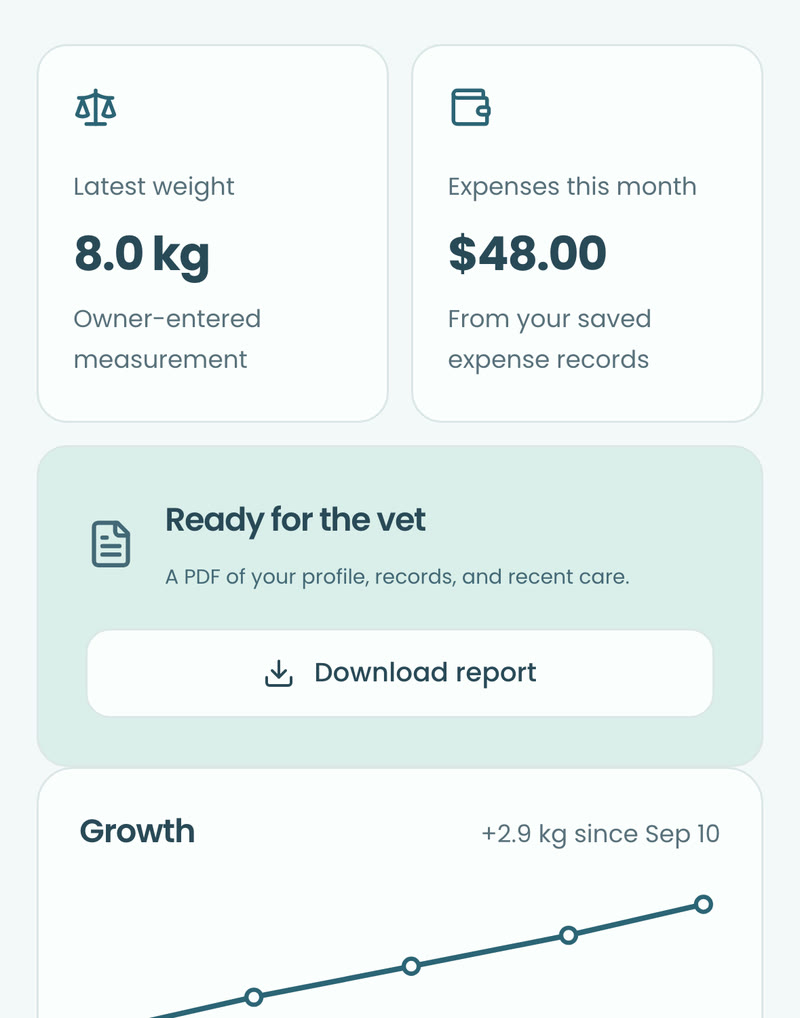
- Use Health → Download report, or Settings → Export PDF, before sharing with your clinic.
7-day free trial for eligible new subscribers. Subscription required.
Call for help when needed; save the details in the app
Contact your veterinarian when something worries you. A diary supports that conversation; completing an entry should never delay care. Blue Cross’s guidance describes urgent situations including breathing difficulty, collapse, suspected poisoning, and inability to pass urine. This is not a complete list.
An owner discussion about symptom tracking describes the friction of managing a record on a phone. The Pet Parent keeps observations alongside the care you already log.
Add the observation as a moment
Tap Note on Today and use Edit details, or open Moments → Add a moment. Give the moment a useful title and describe what you noticed in A little detail. The entry already carries a date, time, and caregiver.
Use plain observations: which area your puppy scratched, when you noticed it, and a relevant change from normal. Mark uncertainty. If adding an earlier event, set its actual date and time.
Describe what happened rather than naming an unconfirmed condition. If another caregiver saw the event, preserve that distinction in the description.
Keep a useful photo with the observation
While signed in, use Choose a photo on the moment form to attach an image. The photo stays with that entry in your synced journal, keeping the picture and its context together.
Only take a photo if it is safe and does not delay help. Do not force handling or continue if your dog is distressed. Mention the body location in the entry and keep the original file if the clinic needs it.
Ask the clinic whether images would help and how to share them. A photo cannot establish a diagnosis or rule out a problem. Your veterinarian is not monitoring the journal.
Review the timeline and health records before the appointment
Open Moments for observations alongside meals, potty care, and activity. Family members in the puppy’s space can contribute their own entries, each with a caregiver and time.
Open Health for the records you have entered, including weights, vet visits, and vaccines. VCA’s appointment guidance illustrates why feeding, elimination, general behavior, and existing records can help the clinic.
Use that history to explain the main concern and when it began. Bring official records or arrange transfer from a previous clinic when needed. Your journal adds observations; it does not replace the practice’s medical history.
Export the available records directly from the app
Choose Health → Download report or Settings → Export PDF. The PDF includes your puppy’s profile, health records, expenses, and the most recent 100 care entries. Review it before sharing through your clinic’s preferred channel.
Keep original photos separately if requested; do not assume photos are embedded in the PDF. Ask how the clinic wants the information rather than assuming it can open your app.
After the visit, keep relevant observations and the clinic’s instructions in the puppy’s records. Confirm unclear advice directly with the clinic as your family follows the plan.