Breakfast logged. Everyone in the loop.
- Check the latest Meal on Today before preparing food.
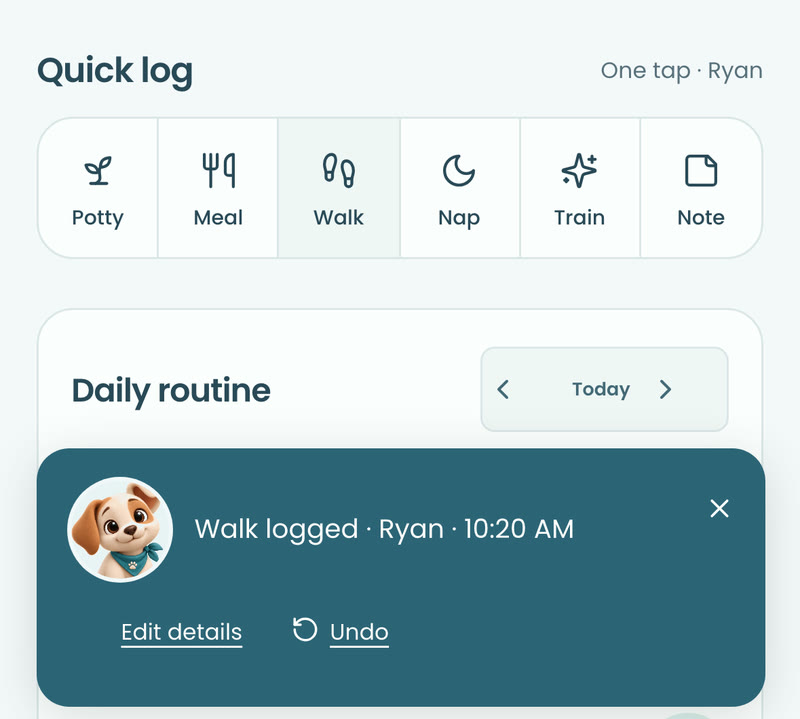
- After serving, tap Meal. Time and caregiver are filled in automatically.
- Use Edit details for a portion, a photo, or something the next caregiver should know.
7-day free trial for eligible new subscribers. Subscription required.
An empty bowl does not tell you who served breakfast
Someone feeds the puppy before a meeting. Another person sees an empty bowl and a hopeful face. Now both are trying to remember whether breakfast happened. The problem is the missing handoff between caregivers.
Owners raise this question in discussions about more than one person feeding the dog. The Pet Parent gives that handoff a visible record: the meal, its actual time, and the person who logged it. You can check the morning without reconstructing a message thread.
Put feeding instructions in your daily routine
On Today, use Add to the routine to add a meal. Choose its planned time, give it a clear name, and use A helpful note for a concise instruction, such as the food and agreed portion. You can edit an existing routine item as your puppy’s needs change.
Use your veterinarian’s advice for the food and amount. AAHA’s feeding guidance explains why individual needs and measured portions matter. The app keeps your instructions and records organized; it does not decide a diet for your dog.
Log the meal after you serve it
Tap Meal in Quick log when the meal happens. The app saves the time and caregiver automatically. For a planned meal, you can also mark its routine item done. A matching quick log can complete a routine item planned around that time.
Tap Edit details if something matters beyond “meal served.” Add the portion or what was left, or choose a quick detail such as Ate some. You do not need to type out a report at every meal.
Use Undo for an accidental tap. To add an earlier event, use Moments → Add a moment and set its actual date and time. A planned meal is not a completed meal.
Keep changes with the care they affect
Update the meal’s routine details when the agreed plan changes, and tell the people helping. Keep today’s unusual observation on today’s meal entry so it is clear which event it describes.
If a possible extra meal or feeding error could affect your dog’s health, ask your veterinarian what to do. For a trip, follow the sitter handoff guide so the person taking over can follow the same routine and see the latest care before you leave.